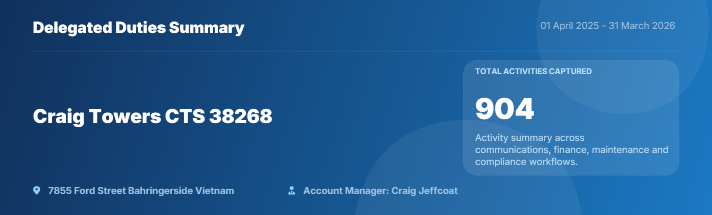
The information in this article relates to the setup of the Activity Report/Annual Summary that will be available from all Report Distribution interfaces such as Report Sets, Merge Letters etc in the near future. The report is designed to provide a summary of activities for a specific date range based on key activities within StrataMax; a financial overview is included that will present expenses by category in a pie chart and monthly income and expenditure in a bar chart for the date range set.
The Activity Report/Annual Summary has configuration available so that the report can be used for a variety of requirements from legislative needs for NSW delegated function reporting, WA annual reporting and also more generic purposes.
Example report without a letterhead:

Example report with a letterhead:

Activity Report/Annual Summary Configuration
To access configuration of the Activity Report, add the report to any report distribution screen and select the configuration icon. For regular reporting based on what is setup it is recommended to save the report/s as a Report Set.
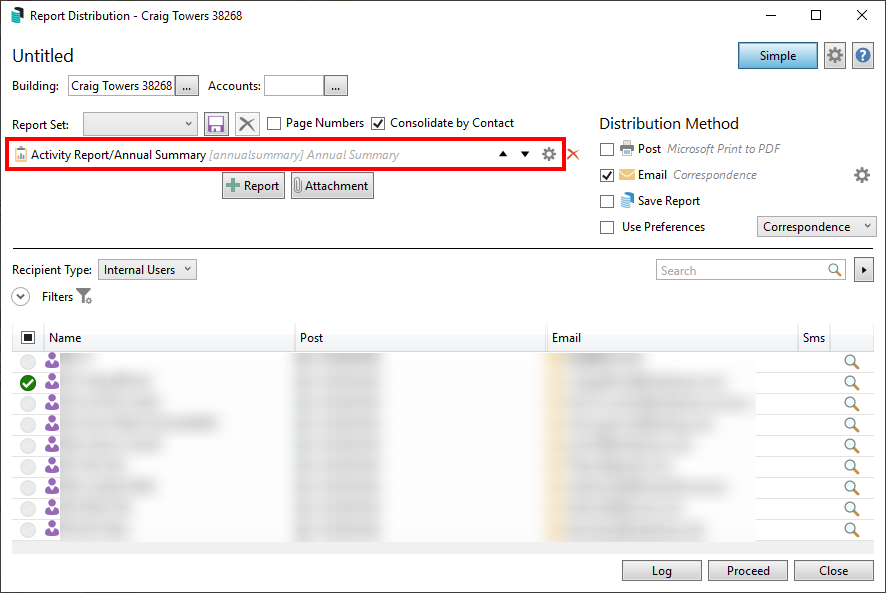
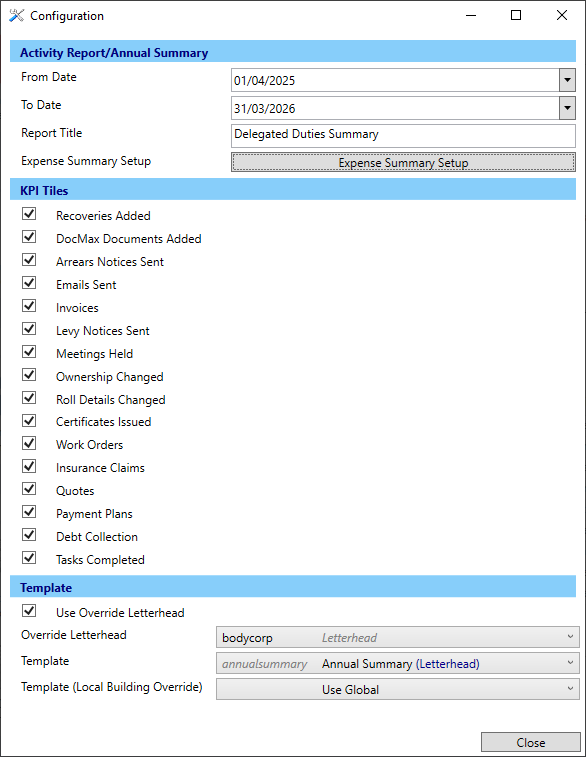
Activity Report/Annual Summary
From and To Date - Set the required Dates. If both are left blank the current financial year will be used.
Report Title - Set the required Report Title which is used on the template.
Expense Summary Setup - Setup the Global Ranges (or Building Override Ranges if required) by following the below steps. These are used for the presentation of expenses by category.
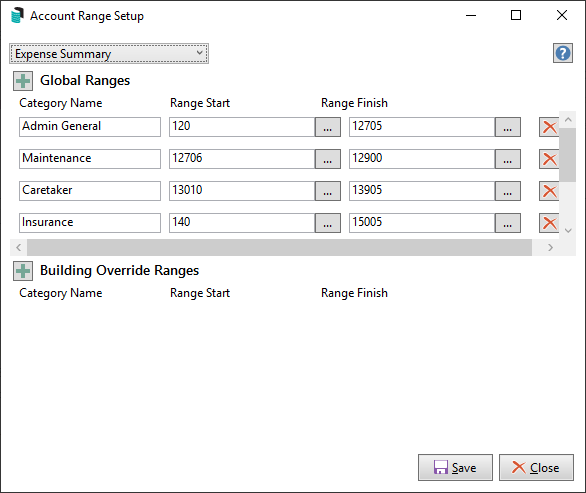
- Click Expense Summary Setup.
- Click the green + icon to setup a range of account codes and enter a category name.
- Select the ... Range Start and select the first account code of the range click OK.
- Select the ... Range Finish and select the last account code of the range click OK.
- Add additional categories and ranges as required.
- To delete an account code range, click on the red X.
- Click on Save.
KPI Tiles
Select the tiles required to be included on the report. The tile on the report will display as a count of the activity based on the date range entered.
Recoveries Added - based on TRMax date.
DocMax Documents Added - based on DocMax added date.
Arrears Notice Sent - based on the date of arrears notice issued.
Emails Sent - based on the date the email is sent from StrataMax.
Invoices - based on the date of creditor invoice.
Levy Notices Sent - based on the date of levy notice issued.
Meetings Held - based on the date of meetings in Meeting Summary.
Ownership Changed - based on the date of receipt of notice.
Roll Details Changed - based on the date of receipt of notice.
Certificates Issued - based on the date certificate issued from StrataMax.
Work Orders - based on the date the work order is issued.
Insurance Claims - based on the date the insurance claim is lodged.
Quotes - based on the date the quote request is sent.
Payment Plans - based on the date a lot is entered into Legal Action / Payment Plans.
Debt Collection - based on the date a lot is entered into Legal Action.
Tasks Completed - based on completed date of tasks in Task Management.
Template
The template used will be based on whether a letterhead is included or not.
Letterhead included:
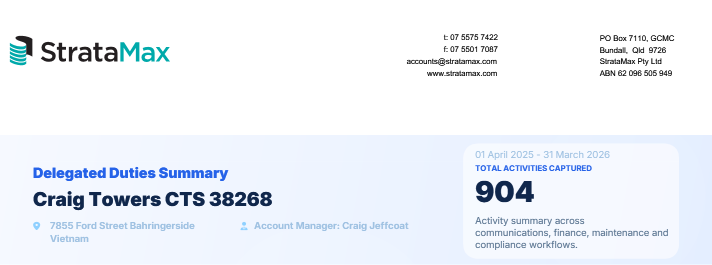
Letterhead Override set to blank:
FAQ
Q. Are additional reports available to provide more information for specific KPI tiles?
A. Yes the below reports are available from report distribution menus that would be suitable. It is recommended to save a report set including the required reports and the date range entered in the configuration for the Activity Report/Annual Summary will be used on all reports.
- Meetings
- Arrears Issued
- Legal Action (Building Status)
- Payment Plan (Building Status)
- Work Orders (Building)
- Work Quotes (Building)
Q. We use external applications/systems such as Outlook and ResVu that we would like to include information from; can this be included on the Activity Report/Annual Statement?
A. External information can be included within a merge letter that may form part of the report set or separately be attached by clicking on Attachment and adding any additional reports you may require.
